
Product QR and invoice QR explained
Know which QR belongs on a product label, a bill or a payment sticker.
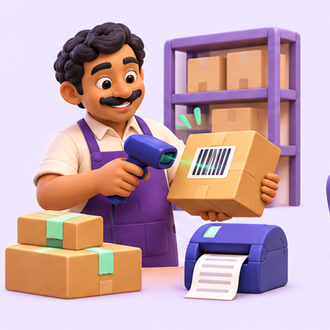
Product QR
Use a product QR on a shelf label or item. In a supported billing workflow, the scan finds the product for the selected store and price category.
Invoice-view QR
Use the invoice-view QR when a customer needs to open the shared invoice details. It points to the bill.
Payment QR
Where your company has set up a supported payment option, use the payment QR for UPI. Check the payment in your billing workflow before marking the bill paid.